How to Retrieve Deleted Text Messages: The Complete Guide For (2026)
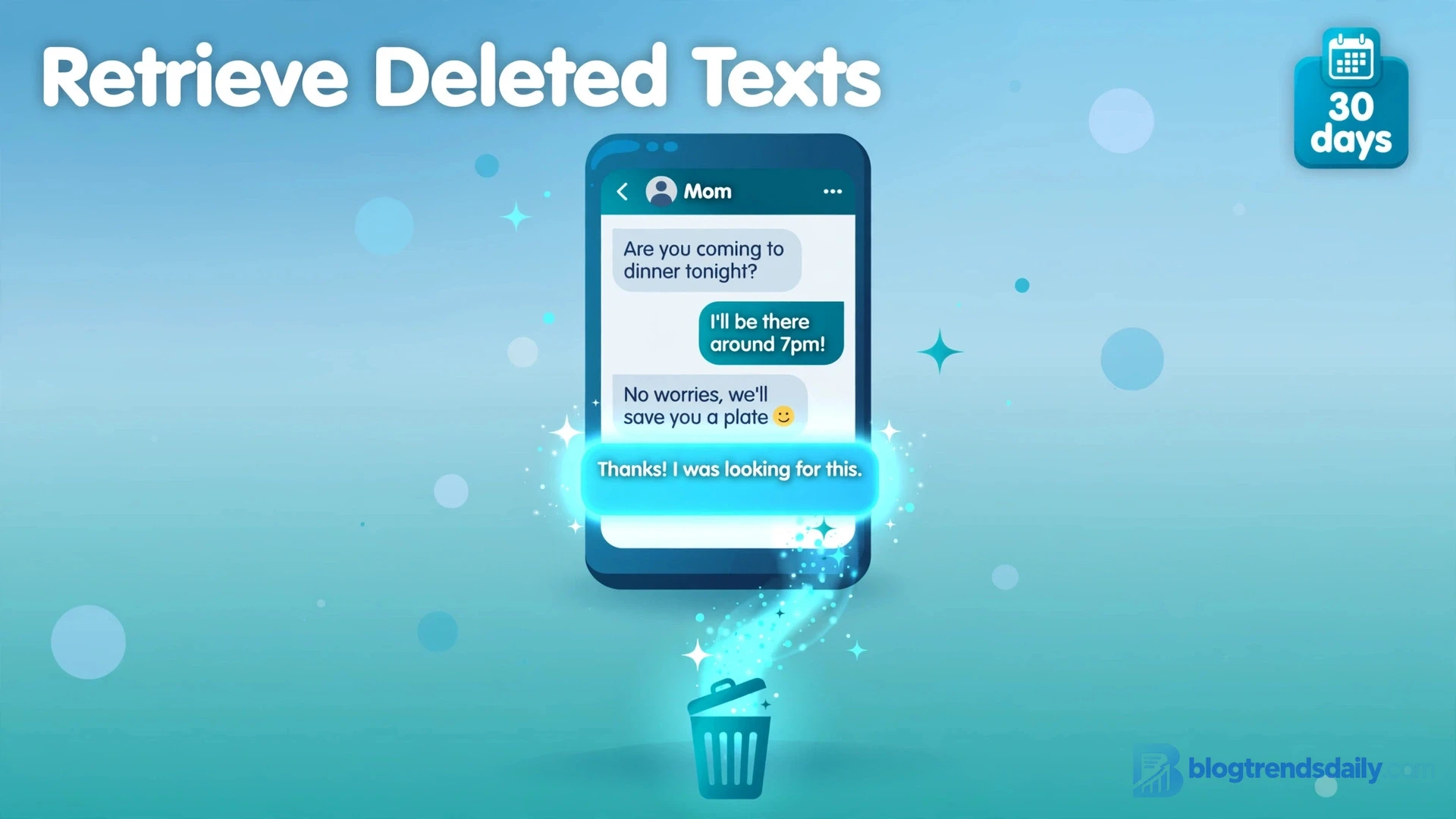
Did you know most phones keep your deleted texts for about 30 days before they are gone for good? That means the message you just lost may still be a few taps away. Many people never check, and they give up too early.
If you are wondering how to retrieve deleted text messages, the short answer is this. Check the trash folder on your phone first. If it is empty, try a backup. If that fails, ask the other person or use a recovery tool as a last step.
Waiting is the real danger. New texts, photos and app updates can overwrite old data. A fresh backup can also replace the older one that still had your message. A work chat, a payment note or a message from someone you love can be hard to replace.
This guide shows you how to recover deleted text messages on iPhone and Android in plain steps. You do not need any tech skills.
In this guide you’ll learn:
• Where your phone hides deleted texts for about 30 days
• How to find deleted messages on iPhone in under a minute
• Android steps for Google Messages and Samsung
• How to recover permanently deleted text messages with backups
• Which options are safe and which recovery apps to avoid
• How to stop losing texts in the future
Let’s start with the big question: is it even possible?
Can You Retrieve Deleted Text Messages? The Honest Answer
Yes, in many cases you can. Your chances depend on three things. How long ago you deleted the text, whether you have a backup, and what you did with your phone afterwards. The steps in this guide follow the official support pages from Apple, Google and Samsung.
Why Deleted Texts Are Not Always Gone
Most phones do not wipe a message the second you delete it. They move it to a trash folder first. According to Apple Support, iPhones on iOS 16 or later let you recover deleted messages from a folder called Recently Deleted. Apple keeps them for about 30 days, and in some cases up to 40.
Google Messages has a Trash folder too. Google says you have 30 days to restore a chat before it is removed for good.
After that window ends, the message leaves the trash. Its old data may stay on the phone for a short time until new files overwrite it. That is why quick action matters.
What Changes Your Chances
Four things make the biggest difference:
- How many days ago you deleted the message
• Whether the trash folder still holds it
• Whether you made a backup before you deleted it
• How much you used the phone after the deletion
Also check one more thing. Some chats are not deleted at all. They are only hidden in an archived folder. Our guide on archived text messages shows where to look.
The Stop and Save Rule
Here is a simple habit we call The Stop and Save Rule. Follow these three steps the moment you notice a message is missing.

- Stop. Avoid heavy phone use like big downloads, new apps and lots of photos.
- Save the old backup. If your phone backs up on its own, turn that off for now. A fresh backup can replace the older one that still holds your text. Turn it back on when you are done.
- Search first. Check the trash folder before you reset, restore or install anything.
How to Retrieve Deleted Text Messages on iPhone
If you use an iPhone, you have the easiest path. This is the fastest way to retrieve deleted text messages on iOS 16 or later. If you have an older iOS version, skip to the backup steps.
How to Find Deleted Messages on iPhone
The Recently Deleted folder is your first stop. Here is how to open it:

- Open the Messages app.
- Tap Edit in the top left corner, then tap Show Recently Deleted. On newer versions, tap Filters, then tap Recently Deleted.
- Tap the conversation that has the messages you want.
- Tap Recover, then tap Recover Message or Recover Messages.
If you do not see this option, you may have no recently deleted messages. You may also be on iOS 15 or older.
How to Recover Permanently Deleted Text Messages From an iCloud Backup
If the 30 days are over, a backup is your next best chance. This is one way to recover permanently deleted text messages on an iPhone, but it has a cost. Restoring puts an older copy on your phone, so anything newer than that backup is lost.
Before you start, save a copy of your phone to your computer. Do not use a new iCloud backup for this, because it can replace the old one.
One more check. If Messages in iCloud is turned on, your texts are usually stored in iCloud itself and may not be part of the backup. Look at your settings first.
- Go to Settings, tap your name, tap iCloud, then tap iCloud Backup. Check the date of the last backup.
- If that date is before you deleted the message, go to Settings, then General, then Transfer or Reset iPhone, then Erase All Content and Settings.
- On the setup screens, choose Restore from iCloud Backup.
- Sign in and choose the backup for your phone.
How to Restore From a Computer Backup
If you backed up your iPhone to a Mac or Windows PC, you can restore from there instead. Connect your phone and open Finder on a Mac, or the Apple Devices app or iTunes on Windows. Select your iPhone, choose Restore Backup, then pick the date made before the deletion. Menu names change a little by version, so follow the on screen prompts.
Android: How to Retrieve Deleted Messages
The steps for Android how to retrieve deleted messages depend on your messaging app. Most phones use Google Messages. Many Galaxy phones may use Samsung Messages. Check which app you open to send a text.
How to Retrieve Text Messages From Android Phone With Google Messages Trash
Google Messages now has a Trash folder. According to Google Messages Help, each chat in Trash shows a counter with the days left before it is deleted for good. You have 30 days. On Android Go phones the window is shorter, at seven days.
- Open Google Messages.
- Tap your profile picture (or More), then tap Trash.
- Touch and hold the conversation you want.
- Tap Restore.
If you do not see Trash, update the app from the Play Store. The feature is new, so older versions do not have it.

Also open Archived in the same menu. If your chat is there, unarchive it with one tap. Here is a closer look at how archived chats work on each phone.
Samsung Messages Trash and Samsung Cloud
If your Galaxy phone uses Samsung Messages, open the app and tap the three dot menu. Tap Trash (some phones call it Recycle Bin), select your messages, then tap Restore. Messages usually stay there for 30 days. If you do not see Trash, check the app settings to make sure it is turned on.
Past 30 days, try Samsung Cloud. Samsung Support says you can go to Settings, then Accounts and backup, then tap Restore data under Samsung Cloud. This only works if a backup was made before the deletion.
How to Get Back Deleted SMS From a Google Backup
If the trash is empty, a Google backup is another way to get back deleted SMS. Samsung says Google Drive can restore messages from Samsung Messages, Google Messages and other apps. You can restore from a backup when you set up a phone or after a factory reset.
A factory reset wipes everything on the phone. So copy your photos and files first, and check that your backup date is before the deletion. If you reset and the backup is too new, you will lose data and still not get your text.
Pro Tip: Do not rush into a reset. Check the trash folder, the archive and the backup date first. A reset is the last move on the list, not the first.
How to Recover Permanently Deleted Text Messages When the Trash Is Empty
When the trash has expired, chances are lower, but you still have three moves. This is the toughest case for anyone asking how to retrieve deleted text messages.
Ask the Sender and Check Other Devices
The other person may still have the chat. Ask them to take a screenshot or forward the message. Also check other devices on your account, like an old iPad, a Mac or a second phone. They may still show the text. Take a screenshot right away.
How Do You Get Deleted Texts From Your Carrier?
Usually, you cannot. Most carriers do not keep the words of your messages and rarely share them. They may keep simple records like date, time and number. Rules change by country and company, so call support to confirm. If you need proof for legal reasons, a lawyer can ask for records through the proper process.
Recovery Apps: What to Know Before You Try
A recovery app scans your phone storage for traces of old texts. On modern phones, storage is locked and busy, so results are often limited. Many apps ask you to pay before they show anything. Some are scams or collect your data.
If you still want to try one, pick a well known brand and read recent reviews. Never share bank details or passwords. If you can, run the tool from a computer, because installing apps on the phone can overwrite old data.
How to Recover Deleted Text Messages: Best Options Compared
Now let’s put everything in order.
The 3 Layer Recovery Check

Here is a simple method we call The 3 Layer Recovery Check. Go through the layers in order and stop when you get your message back.
- Layer 1, On the phone: Recently Deleted, Trash, Recycle Bin and Archived.
• Layer 2, Backups: iCloud, a computer backup, Google backup or Samsung Cloud.
• Layer 3, Outside help: the sender, other devices, your carrier and recovery apps.
How to Retrieve Deleted Text Messages Comparison: Top Options at a Glance
| Option | Key Feature | Best For | Price or Cost | Our Rating |
| Recently Deleted (iPhone) | Built in folder, restores in a few taps | iPhone users within about 30 days | Free | 9 out of 10 |
| Google Messages Trash | 30 day folder with a countdown for each chat | Android users on Google Messages | Free | 9 out of 10 |
| Samsung Messages Trash | Recycle bin style folder, about 30 days | Galaxy users on Samsung Messages | Free | 8 out of 10 |
| iCloud or computer backup | Brings back an older copy of the phone | iPhone users past 30 days | Free or low cost | 7 out of 10 |
| Google Drive or Samsung Cloud | Restores texts on setup or from Samsung Cloud | Android users past 30 days | Free or low cost | 7 out of 10 |
| Carrier request | Usually records only, not message text | Proof for legal needs | Varies | 3 out of 10 |
| Recovery apps | Scan phone storage for traces | A last resort | Often paid | 4 out of 10 |
Ratings are our view, based on speed, cost and chances of success.
Winner: the built in trash folder, which is Recently Deleted on iPhone and Trash on Android. It is free, quick and safe. Try it first, then move to backups. Use apps only if you have no other choice.
Common Mistakes That Make Deleted Texts Harder to Recover
Waiting Too Long
The trash folder has a clock. Once 30 days pass, the easy option is gone. Check it the same day you notice a missing text.
Letting a New Backup Replace the Old One
Automatic backups are great, until they overwrite the copy that still had your message. Pause them first, as the Stop and Save Rule says.
Trusting Risky Apps and Sites
Be careful with ads that promise 100 percent recovery. No tool can promise that. Keep your passwords and bank details to yourself.
WhatsApp, Messenger and Archived Chats: Related Recovery Guides
Some missing chats do not live in your phone’s text message app at all. Here is where to go next.
How to See Deleted Messages on WhatsApp
WhatsApp keeps chats in its own app and backup. So the iPhone and Android steps above will not bring back a WhatsApp chat. Our guide on how to see deleted messages on WhatsApp explains what is possible and what is not.
How to Recover Deleted Messages on Messenger
Messenger chats live inside Facebook and Meta tools. Archived chats and your downloaded account data can help. We cover the steps in our guide on how to recover deleted messages on Messenger.
Archived Text Messages Are Not the Same as Deleted Ones
Archived chats leave your main inbox but stay in an Archived folder. You can bring them back with a tap. Learn more in our post on archived text messages.
A Real World Example and How to Stop Losing Texts
Real World Example
Imagine Imran, a shop owner, who deleted a chat with a supplier by mistake. It had an order total he needed. He opened Recently Deleted on day 12 and restored the whole chat in under a minute. This is only an example, but it shows why the trash folder should always be your first stop. If he had waited past day 30, he would have needed a backup.
Set Up Your Phone So It Does Not Happen Again
A few small settings can save you next time:
- iPhone: Turn on iCloud Backup. Then open Settings, Messages, Keep Messages and choose Forever, so old chats are not removed by a timer.
• Android: Turn on Google backup in your settings. On Samsung, make sure Trash is on in Samsung Messages.
• Important texts: Take a screenshot of bank notes, receipts and codes you may need later.
FAQ
How can you recover text messages?
You can recover text messages from the Recently Deleted folder on iPhone, the Trash folder in Google Messages or Samsung Messages, or from a backup. Start with the trash folder because it is free and fast. Most phones keep deleted chats there for about 30 days. If it is empty, try an iCloud, Google or Samsung Cloud backup.
How to find deleted SMS?
Open your messaging app and look for Recently Deleted on iPhone, or Trash and Archived on Android. Deleted SMS does not show in your normal inbox. On Galaxy phones using Samsung Messages, tap the three dots and open Trash. If you find nothing, check your backups. Archived chats are hidden, not deleted, so check them too.
How to get back deleted SMS without a backup?
You can get back deleted SMS without a backup only if it is still in the trash folder or the other person has a copy. After the trash window ends, chances are low. Recovery apps claim to help, but results on modern phones are limited, so treat them as a last resort.
How do you get deleted texts back from your carrier?
Usually you cannot. Carriers often keep basic records such as date, time and number, but not the message itself. Rules change by country and carrier, so call support to confirm. For legal needs, a lawyer can ask for records through the proper process.
Android how to retrieve deleted messages without an app?
Open Google Messages, tap your profile picture, then tap Trash, hold the chat and tap Restore. On Samsung Messages, tap the three dots, then Trash, then Restore. Both folders keep chats for about 30 days. You do not need a recovery app for this. If the trash is empty, try your Google or Samsung Cloud backup.
How to retrieve text messages from an Android phone after a factory reset?
You can only do it if you had a backup made before the reset. During setup, sign in to your Google account and choose to restore from backup. Samsung users can also use Samsung Cloud. Without a backup, a factory reset usually erases your texts for good, so check your backup date first.
How to recover permanently deleted text messages?
Permanently deleted text messages can sometimes be recovered from an older backup, another device that still holds a copy, or the person you chatted with. The trash folder will not help once it has expired. Act fast, avoid new backups and be careful with recovery apps. Not every message can be saved.
How to find deleted messages on iPhone?
Open Messages, tap Edit or Filters, then choose Recently Deleted. Tap the chat, then tap Recover. This works on iOS 16 or later and covers about 30 days, sometimes up to 40. If nothing is there, the messages are past that window, so check your iCloud or computer backup instead.
How to retrieve deleted text messages after 30 days?
After 30 days, your best chance is an older backup, such as iCloud, a computer backup, Google backup or Samsung Cloud. Another option is asking the sender for a copy. Recovery apps may help in rare cases but often cost money. Always check the backup date first, because a backup made after the deletion will not contain the text.
Are recovery apps safe to use?
Some are safe, but many overpromise. Pick a well known brand, read reviews and avoid any tool that asks for your bank details or passwords. Modern phones lock their storage, so success is never guaranteed. Try the trash folder and backups before you pay for anything.
Conclusion
Now you know how to retrieve deleted text messages on both iPhone and Android. Three things matter most. Check the trash folder first, because most phones keep deleted chats for about 30 days. Use a backup only after you check the backup date. And act fast, before a new backup or new data replaces the old copy.
Open your Messages app right now and look in the trash. It takes less than a minute, and it may save your message. More easy phone guides are waiting for you on blogtrendsdaily.com.
Next Steps:
• Open Recently Deleted or Trash on your phone and restore what you need
• Turn on backups and set Keep Messages to Forever on your iPhone
• Read our guides on WhatsApp, Messenger and archived text messages

Daniel Whitmore is the founder and main writer of blogtrendsdaily.com. With five years of experience writing and publishing online content, Daniel started the blog to give readers clear, honest and easy to follow guides on education, careers, health, technology, travel, fashion, beauty and fitness, automotive and trending topics.

2 comments