How to Recover Deleted Messages on Messenger: Every Method That Still Works
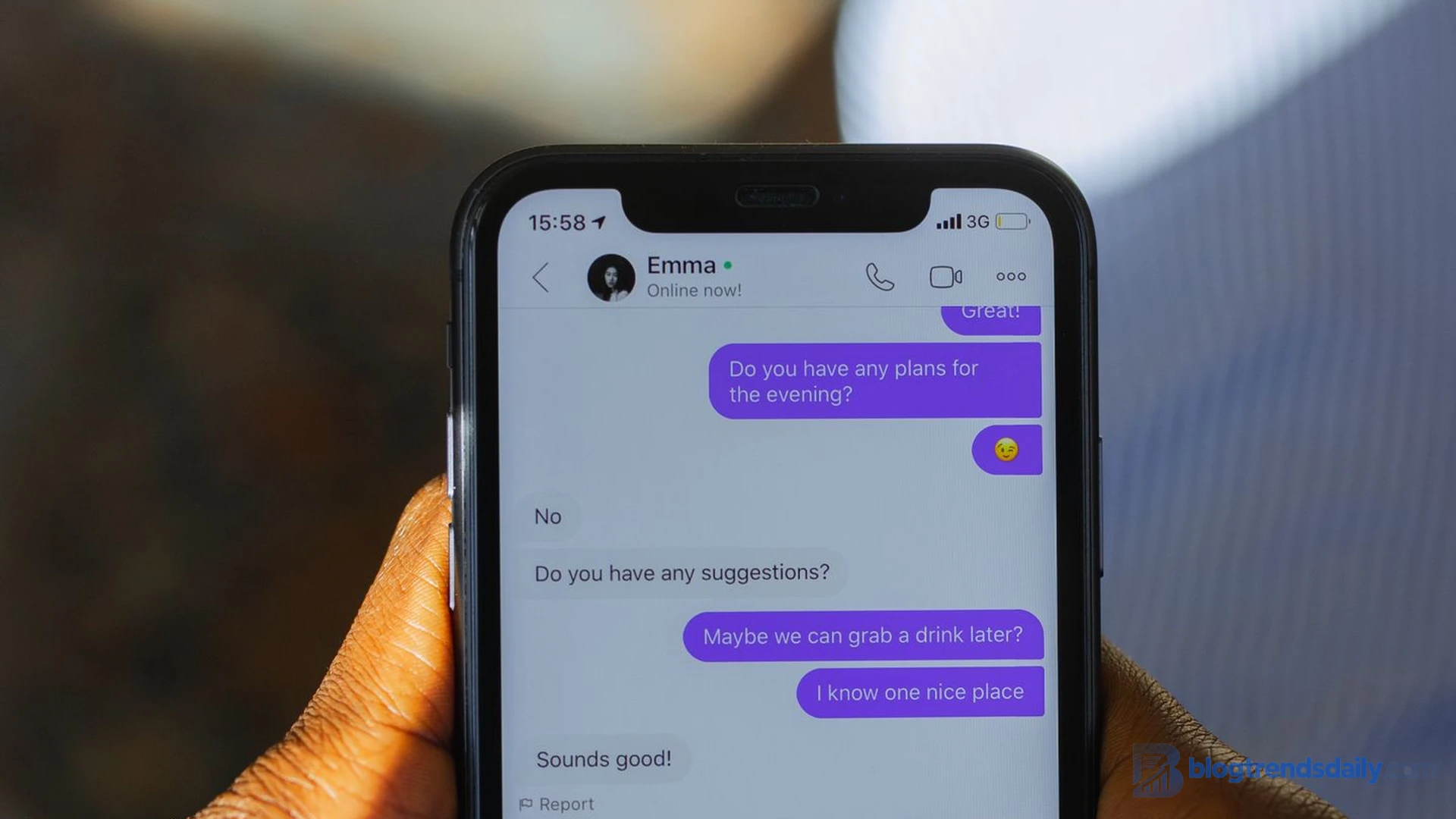
You open Messenger to find a chat and it’s just not there. Maybe you swiped the wrong way. Maybe you tapped Delete at midnight and regretted it by morning. Either way, you want that conversation back, and you want it now.
So can you really recover deleted messages on Messenger? Sometimes. It depends on one thing more than anything else: did you delete the chat, or did you only archive it? Those two look the same on your screen, but they work very differently behind it.
I’ve spent 5 years writing about technology, and I only trust what Meta’s own help pages say. This guide goes through every method that still works, in the order I’d try them. If your lost chats were on WhatsApp, we cover that in our guide on how to see deleted messages on WhatsApp. For normal phone texts, start with our main guide on how to retrieve deleted text messages.
In this guide you will learn:
- The difference between archived, removed and unsent messages
- How to find a chat that is only hidden
- How to recover deleted Facebook messages from your downloaded data
- What you can still do when a message was unsent
- How to restore Messenger chat history on a new phone
- Which tricks to ignore
Can You Recover Deleted Messages on Messenger?
It depends on what “deleted” really means. Some chats are only hidden, and those come back in seconds. A chat that was truly deleted is much harder, and in most cases it’s gone from your account for good.
Archived vs Deleted: The Difference That Matters
Archiving hides a chat from your main list, but it keeps every message. Deleting removes the chat from your side. This is where most people get confused, because a swipe on the screen can do either one depending on your phone.
Messenger’s own help page says archived chats are not deleted unless you choose to delete them, and you can see them in your Archive folder at any time.
Remove for You vs Unsend

When you delete a single message, Messenger gives you two choices. Remove for you hides the message on your side, and the other person still has it. Unsend takes it away from the chat for everyone, and it only works for a limited time after sending.
That matters for recovery. If you only removed a message for yourself, the other person has a copy you can ask for. If it was unsent, nobody has it inside the app.
Why Meta Can’t Just Give It Back
I looked hard for an official “restore deleted chat” button, and I couldn’t find one. Once you delete a whole conversation, it can’t be undone, and that’s why Messenger asks you to confirm before it happens. So your best chances come from things that were saved somewhere else.
The Search First Rule
Before you try any big method, use this small habit I call The Search First Rule. Open Messenger, tap the search bar, and type the person’s name. Search results include archived chats, so the conversation often shows up even when your chat list looks empty.
It takes ten seconds, and it solves a surprising number of “lost chat” problems.
How to Recover Deleted Messages on Messenger From Archived Chats
If The Search First Rule didn’t work, go to the archive. This is the easiest fix and it works on both phone and computer.
On Your Phone
- Open the Messenger app.
- Tap the menu icon or your profile picture at the top left.
- Tap Archived chats.
- Find the conversation. You can also search for the person’s name.
- Press and hold the chat, then choose Unarchive. Sending a new message in that chat also moves it back to your inbox.
On a Computer
- Open Messenger on the web, or open Messenger inside Facebook.
- Click the three dots next to Chats.
- Choose Archived chats.
- Hover over the conversation, click the options button, and choose Unarchive chat.
Archiving isn’t only a Messenger thing. Your phone’s text message app has something similar, and we explain it in our guide on archived text messages.
When You Can’t Unarchive a Chat
Meta notes that you cannot unarchive a chat that was archived as part of upgrading to end to end encryption. Those chats stay in the archive, where you can still read them. You can read more on Messenger’s help page about how to find archived chats.
How to Recover Deleted Facebook Messages From Your Downloaded Data
This is the method many people never think about. Facebook lets you download a copy of your information, and that copy includes your messages.
Check Old Downloads First
Did you ever download your Facebook data in the past? If you did, look for that file in your email, your downloads folder or your cloud storage. A copy made before you deleted the chat may still contain it. That’s the real jackpot here.
Request a New Download

A new download only includes what’s still in your account, so it won’t bring back a chat you already deleted. But it’s useful for messages that are hidden or archived, and for saving your chats safely before you lose them.
- Open Facebook and go to Settings.
- Open Accounts Center, then Your information and permissions.
- Tap Download your information.
- Choose Messages, pick the date range and format, and start the request.
- Wait for the notification that your file is ready, then download it quickly, because the link expires.
Menu names change from time to time, so use the search box in Settings and type “download your information” if you get lost.
How to See Deleted Messages on Messenger That Someone Unsent
Seeing a message that the other person unsent is the hard part. There’s no official way to read it inside the app. But you have two realistic options.
Android Notification History
If you use Android and turned on notification history before the message arrived, your phone may still hold the text of the Messenger notification. It’s the same trick we describe in our WhatsApp guide, and the steps are in our article on how to see deleted messages on WhatsApp. It only works if the log was already on, and it won’t show photos or long messages in full.
Ask the Other Person
Boring, but it works more often than any app. If you only removed a message for yourself, the other person still has it. Ask them to send a screenshot or forward the chat.
How to Restore Messenger Chat History on a New Phone
Some chats are protected with end to end encryption. If you set up secure message storage for them, you may be able to restore your chat history on a new device with a PIN.
Open Messenger settings and look for End to end encrypted chats, then Message storage. If you see a Restore chat history option, enter your PIN when asked. If you never turned on storage, or you forgot the PIN, there’s nothing to restore. Meta can’t read those chats for you.
Messenger Recovery Options Compared
| Option | Works For | What You Need | Chance of Success |
| Search by name | Hidden or archived chats | Nothing | High |
| Archived chats folder | Archived chats | Nothing | High |
| Old data download | Chats that existed then | A file saved earlier | High if you have it |
| New data download | Chats still in your account | A few minutes | Medium |
| Message storage restore | Encrypted chats on a new phone | Your PIN | Medium |
| Ask the other person | Messages removed for you only | Their help | Medium |
| Notification history | Unsent messages on Android | History turned on earlier | Low |
| Recovery apps | Not recommended | Your private data | Very low |
Our pick: search and the archive first, since both are free and take seconds. Then check for an old data download. Everything else is a backup plan.
The Messenger Rescue Checklist

When a chat goes missing, it’s easy to panic and tap around. Follow this short list instead.
- Search the person’s name in the search bar.
- Open Archived chats and unarchive the chat.
- Look in Message requests and Spam, in case the chat was filtered there.
- Find an old Facebook data download, or make a new one.
- Check message storage if the chat was end to end encrypted.
- Ask the other person for a copy.
- On Android, look in notification history for an unsent message.
A Real Life Example
Think of a man named Bilal who ran a small online shop. He swiped away a chat with a customer, and his order notes seemed to vanish. He panicked for a good ten minutes. Then he typed the customer’s name into search, and the chat was sitting in his archive the whole time. It was never deleted. He unarchived it and moved on with his day. It’s only an example, but it’s a very common story.
Apps That Promise to Recover Deleted Messenger Messages
Be careful here. You’ll find plenty of apps and websites that claim they can recover deleted Facebook messages for a fee. Messages deleted from your account are not stored on your phone in a way these tools can read, and many of them just want your login or your money.
Watch for these red flags:
- They ask for your Facebook password
- They promise 100 percent recovery
- They ask you to pay before showing any result
- They want wide access to your phone, files and contacts
Never share your password. If you get a strange link about your messages, treat it as a scam.
How to Stop Losing Messenger Chats
- Archive chats instead of deleting them
- Download your Facebook data once in a while and keep the file safe
- Set up message storage and write down your PIN for encrypted chats
- Turn on notification history on Android
- Screenshot chats that hold payments, addresses or promises
FAQs About Recovering Messenger Messages
Can you recover deleted messages on Messenger?
You can recover chats that were archived, but a chat that you really deleted can’t be restored through the app. Check Archived chats first, then look for an old Facebook data download. If neither works, ask the other person, since they may still have a copy.
How to recover deleted Facebook messages?
Search for the person’s name, open Archived chats, and unarchive the conversation. If that fails, check an older Facebook data download for the chat. Deleting a whole conversation can’t be undone, so these are the only real options. Be careful with apps that promise more.
How to see deleted messages on Messenger?
You can’t read messages that someone unsent inside the app. On Android, notification history may still hold the text if it was turned on before the message came. Another option is asking the sender or a friend in the chat for a screenshot.
How do I find archived chats on Messenger?
On your phone, open the menu, then tap Archived chats. On a computer, click the three dots next to Chats and choose Archived chats. You can also type the person’s name in the search bar, because search results include archived chats.
What is the difference between Remove for you and Unsend?
Remove for you hides the message on your side only, and the other person keeps it. Unsend removes it for everyone in the chat, within a time limit. If you used Remove for you, you can ask the other person to send the message again.
Can I restore Messenger chats on a new phone?
Yes, if you set up message storage for end to end encrypted chats. Look in Messenger settings under End to end encrypted chats, then Message storage, and enter your PIN. Without that setup, chats usually don’t move to a new phone automatically.
Does downloading my Facebook data bring back deleted chats?
Only if the chat was still in your account when you made the download. A new download will not bring back a chat you already deleted. An older file, made before the deletion, can still contain it, so search your email and downloads.
Are Messenger recovery apps safe?
Usually not. Many promise full recovery but cannot get to messages that Facebook already removed. Some ask for your password or payment. Skip them, and use the archive, your old data download, or the other person’s copy instead.
Can I recover a Messenger chat I deleted a long time ago?
Probably not, unless you saved the data earlier or the other person still has the chat. Messenger has no official undo for a deleted conversation. Search your old downloads and ask the other person, and be careful with any tool that says otherwise.
Conclusion
So, how to recover deleted messages on Messenger? Start small. Search for the name, check the archive, and see whether the chat was only hidden. If it was really deleted, look for an old Facebook data download, or ask the other person for a copy.
Three things are worth remembering. Archived chats are safe, deleted chats usually aren’t, and apps that promise miracles are the biggest risk. If you lose messages in other apps too, our guides on how to see deleted messages on WhatsApp and how to retrieve deleted text messages will help.
Next steps:
- Open Messenger now and check your Archived chats
- Download your Facebook data and save the file somewhere safe
- Read our guide on archived text messages to learn where hidden chats go on your phone

Daniel Whitmore is the founder and main writer of blogtrendsdaily.com. With five years of experience writing and publishing online content, Daniel started the blog to give readers clear, honest and easy to follow guides on education, careers, health, technology, travel, fashion, beauty and fitness, automotive and trending topics.


Post Comment